A crypto portfolio tracker can save you hours, but integration claims and free plans often need a closer look. Research across 23 trackers found that 35% gave no clear integration details, while only 1 in 23 had a confirmed free tier. Here are six named tools, what each does well, and where each may fall short.
1. StableJack
StableJack is an AI investment copilot for investors who want portfolio research, market analysis, reports, and trading support in one workspace. It is the recommended starting point for users who need more than a balance screen.
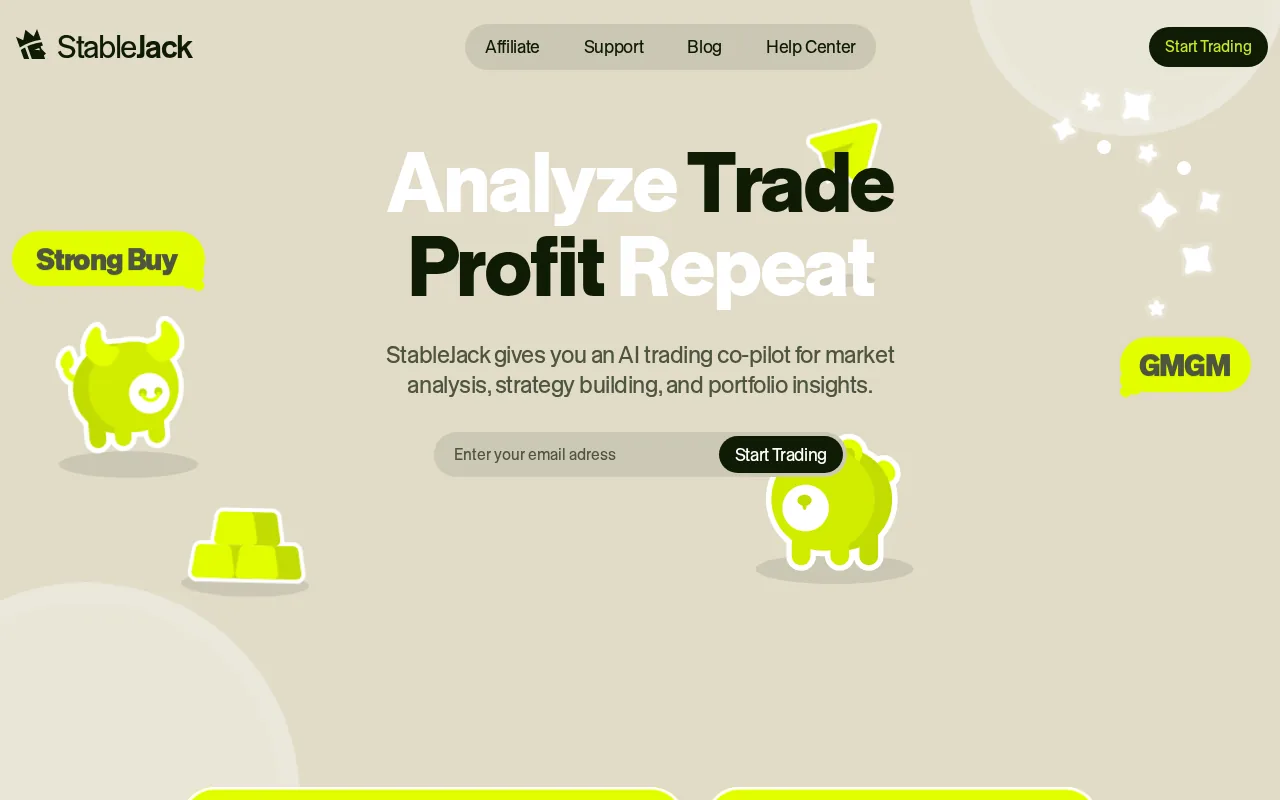
StableJack brings live market data into structured workflows. You can use AI Insights to review an asset, compare bullish and bearish cases, flag risk, and turn research into a trade plan. Navigator helps you move through market questions without losing the thread between data, analysis, and action.
The wider setup also covers stocks, crypto, forex, commodities, indices, and pre-IPO assets. That cross-asset view matters when your crypto position is only one part of your account. A trader can review Bitcoin exposure beside an equity holding or a commodity position instead of switching between unrelated dashboards.
StableJack also includes Skills and Copilots for repeat tasks. For example, you might set up a workflow that reviews market sentiment, checks trader positioning, and lists the main risks before a trade. The Trading Terminal then gives you a place to review execution instead of treating research and trading as separate jobs.
That workflow is different from a tracker built only to display wallet balances. It is closer to a research and trading terminal with portfolio tools attached. You can read more about the StableJack AI research and trading platform before deciding if that wider scope fits your process.
The caveat is important. StableJack is not a robo-advisor, a guaranteed profit tool, or a replacement for your judgment. AI trading systems can still miss context, react to poor data, or encourage automation complacency. You must check assumptions before placing a trade.
Choose StableJack when your main problem is slow research or scattered decisions. Choose a narrower wallet tracker when you only need balances and on-chain activity.
2. Zerion, for an all-in-one wallet view
Zerion is a self-custodial wallet portfolio tracker built around on-chain holdings. It suits users who want wallet data, trades, and positions in one view across many chains.
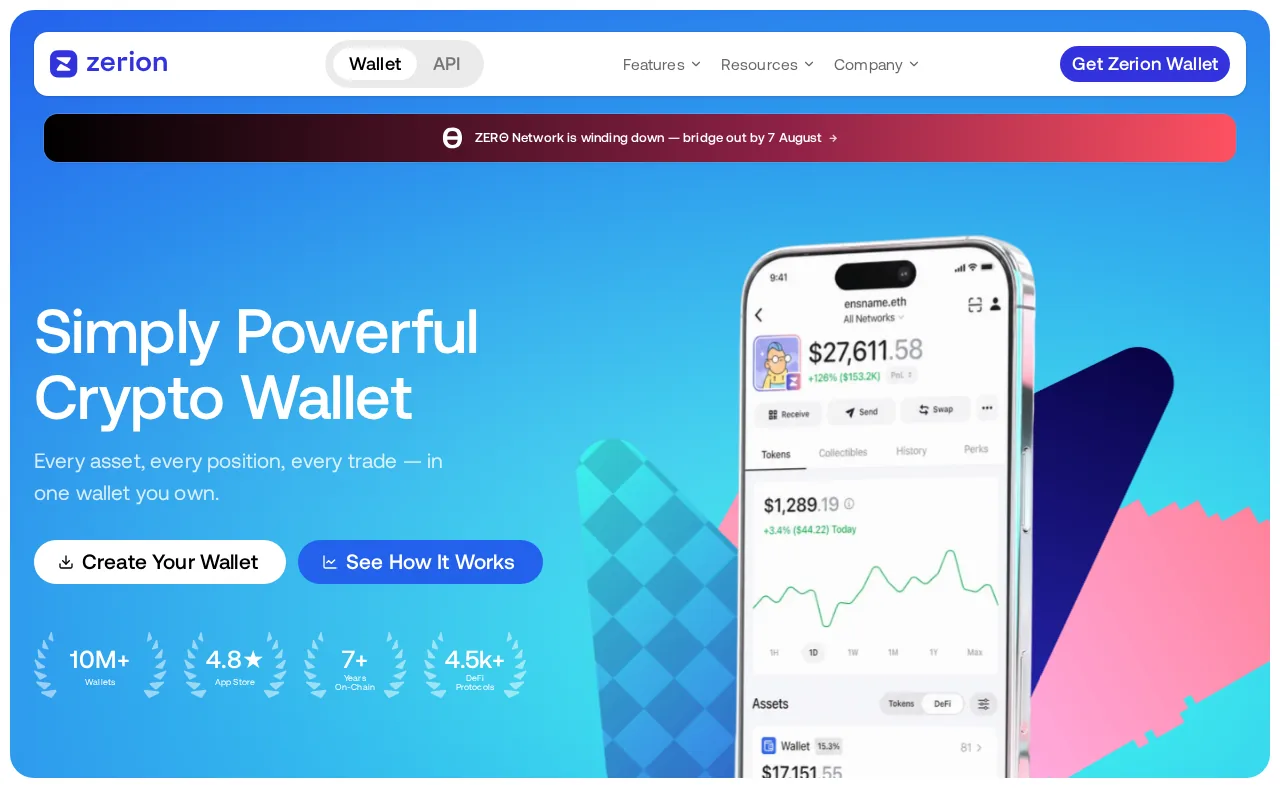
Zerion connects wallet data from blockchain and offers a browser extension. Its wallet view supports users who want to review on-chain holdings and activity in one place.
That makes Zerion useful for a wallet-first workflow. You can connect public wallet addresses and review assets without handing over a seed phrase. The self-custodial design also means the tracker does not need custody of your funds to show your positions.
Zerion is a good fit when your holdings sit across several chains. Imagine checking a main wallet, a second wallet, and a few on-chain positions. A combined view can reduce the chance that you forget a small balance or treat one wallet as your whole portfolio.
The browser extension adds value for users who spend much of their time in on-chain apps. You can keep portfolio context nearby while reviewing a swap or another protocol interaction.
There are limits. Wallet tracking is not the same as exchange history, tax reporting, or cross-asset analysis. A public address may show current holdings while leaving you to confirm whether every past transaction was parsed correctly. You should test a few known transfers before trusting any displayed performance number.
Zerion fits an on-chain portfolio. StableJack fits better when you want to connect portfolio monitoring with wider market research and trade planning.
3. Zapper, for DeFi discovery
Zapper is a DeFi-focused portfolio tracker for users who want to explore on-chain activity as well as view holdings. It is suited to people who move between wallets, protocols, and DeFi positions.
Research for this shortlist places Zapper in the DeFi discovery group. Other research describes its focus on tokens, NFTs, DeFi positions, claimable rewards, transaction history, and identity layers across many chains. It also describes wallet connections through signed messages rather than custody transfers.
The key difference is discovery. A plain balance page tells you what you hold. A DeFi discovery tool helps you find positions, rewards, wallet activity, and protocols that deserve a closer look. That can help when your holdings include liquidity positions or other activity that is hard to track in a basic exchange app.
Zapper’s Bundles feature is useful for users with more than one wallet. You can combine addresses into a single view, then inspect the group rather than opening each address in turn. The workflow is easier to follow when each wallet has a clear role, such as long-term holdings, DeFi activity, or test funds.
The trade-off is scope. Zapper is built around on-chain use, so it may not replace an exchange importer or a tax tool. It also should not be treated as a full risk review. A displayed DeFi position does not explain whether the protocol, token, or contract suits your risk limits.
Users should also verify chain coverage before connecting every wallet. Research across the category found that many tools advertise broad integration counts without listing each connection clearly. Check the exact chain and protocol support first.
Use Zapper when discovery is the job. Use StableJack when the next step is comparing market evidence and building a structured decision around an opportunity.
4. Rotki, for self-hosted privacy
Rotki is a local-first crypto portfolio tracker and accounting tool. It suits users who want their wallet data and transaction history stored on their own computer instead of a cloud provider.
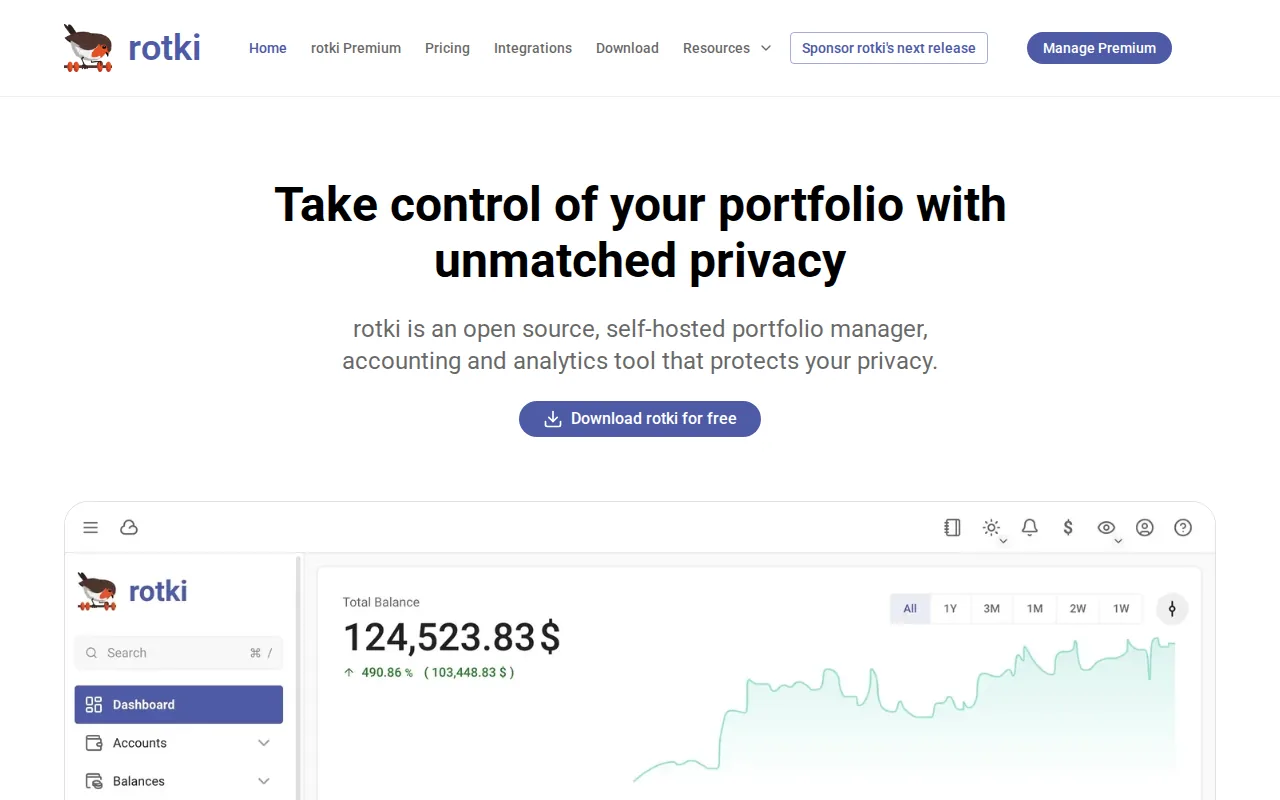
The research source describes Rotki as supporting several desktop and container environments. Its data lives in an encrypted local database. The source also describes support for several blockchain networks, exchange connections, and decoding for major DeFi protocols.
Privacy is the main reason to consider Rotki. Your wallet addresses, balances, transaction history, and cost-basis records stay on your machine under this setup. That reduces the amount of sensitive financial data held by a central service.
Self-hosting also changes the risk model. You control the device, backups, access rights, and updates. That control is useful, but it creates work. A lost laptop or poor backup plan can become a serious data problem. A local tool does not remove security risk. It moves more of the responsibility to you.
Rotki can also help with accounting tasks. The research notes that it can generate year-end tax reports for several jurisdictions. Still, a tracker report is not automatically a filing-ready answer for every country. Cost basis, transfer treatment, and DeFi income rules can vary, so check the output with a qualified tax professional when the records are complex.
Another limitation is setup time. Users who want automatic syncing across devices may prefer a hosted app. Some connections may need manual setup, and local maintenance can feel like extra work beside daily trading.
Rotki is the right direction when data control matters more than convenience. If you want fast market research with less technical setup, a hosted research platform may fit your routine better.
5. Delta, for crypto and traditional investments
Delta is a multi-asset investment tracker for people who hold crypto alongside stocks, ETFs, and other investments. It fits investors who want one dashboard for several account types.
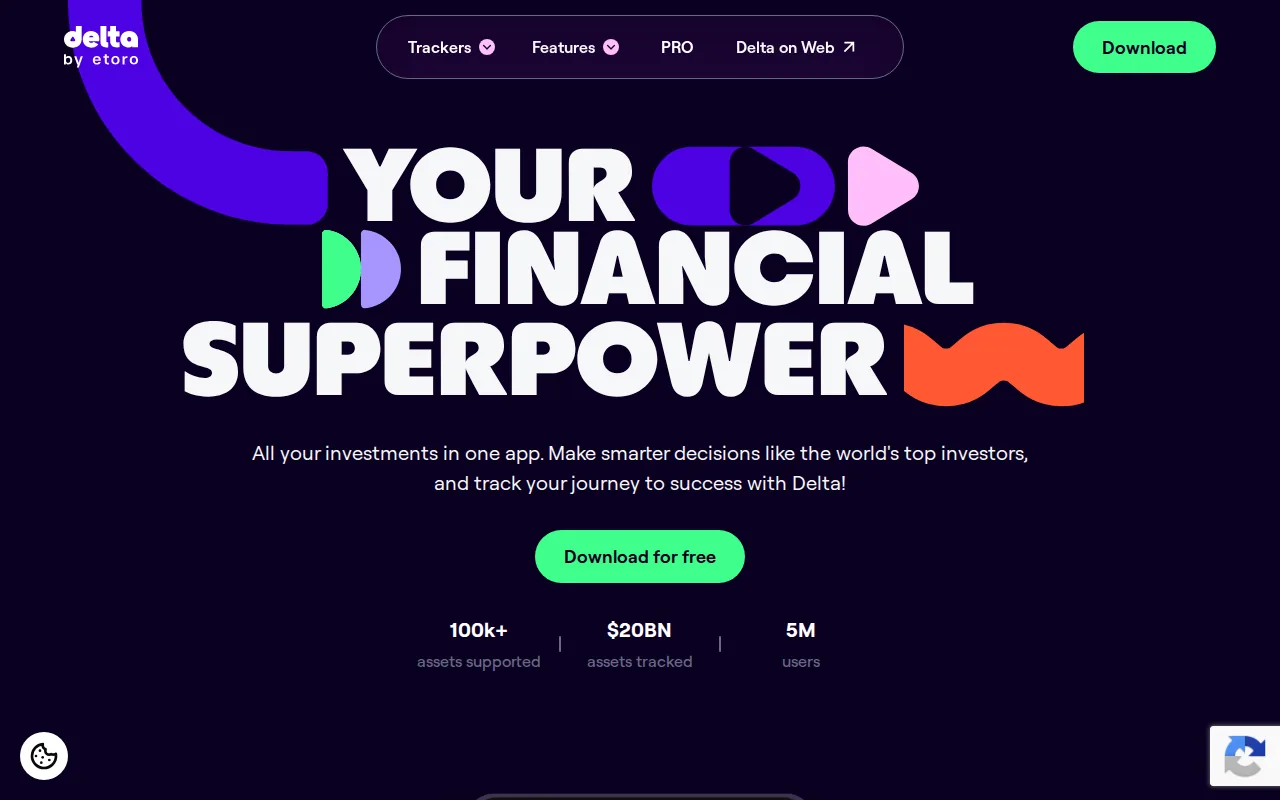
The research lists automatic exchange syncing, traditional brokerage connections, crypto exchanges, and wallets. Another source describes coverage across stocks, ETFs, crypto, bonds, forex, commodities, and other asset types. That gives Delta a wider asset view than crypto-only trackers.
This matters when you want to see allocation rather than isolated balances. A crypto account may look small on its own but represent a large share of your total risk. A multi-asset view can help you spot that exposure beside equity holdings or cash accounts.
Delta also focuses on portfolio presentation. Research describes profit and loss views across different time periods, plus asset-level analysis. That can help a long-term investor review changes without opening a separate app for every account.
European investors should check broker support before signing up. The research names connections such as eToro and other supported brokers. It also says that paid tiers and asset limits can vary by location and plan. Treat those details as items to verify before you commit to an annual subscription.
Delta is a tracker, not a brokerage. The cited review describes read-only connections and says the app does not hold user funds or execute trades. That is useful for monitoring, but you still need a broker or exchange when you want to place an order.
Its main weakness is specialization. Delta may be a better fit for a mixed portfolio than for deep DeFi discovery, self-hosted privacy, or AI-led trade research. Investors with complex on-chain positions may need another tool for that layer.
Pick Delta when one screen for crypto and traditional assets is the priority. Pick StableJack when analysis and execution support matter as much as account visibility.
6. CoinStats, for mobile portfolio monitoring
CoinStats is a mobile-focused crypto portfolio tracker with automation features and built-in DeFi functions. It fits users who want to check holdings often from a phone.
The grounded research lists AI portfolio insights, the Glider risk scanner, built-in DeFi functionality, and a free tier described as supporting 10 portfolios and 20,000 transactions. These details make CoinStats useful for people who want more than a manual spreadsheet.
Automatic syncing can cut down on repeated data entry. That helps when you use several exchanges or wallets and want a quick daily view. The Glider risk scanner is aimed at risk checks, so a user can review a token or position before acting. You should still treat a scanner as a prompt for further research, not a final trade decision.
Mobile access changes how a tracker gets used. A quick morning check may show whether a position moved outside your plan. A later desktop review can then handle the deeper work, such as checking transaction history or assessing a market thesis.
CoinStats has a clear caveat: free-tier wording can be hard to compare across tools. Research across 23 trackers found that 14 mentioned some form of free access, but only 1 was confirmed as genuinely free under the study’s definition. A free preview may cap transactions, accounts, exports, or advanced features.
Verify the exact plan before connecting accounts. Check wallet limits, exchange support, transaction history, export rules, and whether a feature is included on mobile. Also use read-only permissions wherever possible. A tracker should not need withdrawal access to show your balance.
CoinStats makes sense for frequent mobile checks. If you want to turn those checks into a repeatable research process, StableJack adds AI Insights, Skills, Copilots, and a Trading Terminal around the decision itself.
Key Takeaway: Match the tool to your main job first. Wallet visibility, DeFi discovery, local privacy, multi-asset tracking, mobile checks, and AI research are different needs.
Comparison table: Which crypto portfolio tracker fits you?
The table below focuses on the decision that usually matters most: what kind of work you want the tracker to handle. Integration counts change often, so confirm support for your exact wallets, chains, exchanges, and account types before subscribing.
Tool | Best fit | Main strength | Main limitation |
|---|---|---|---|
StableJack | AI research and active trading | Cross-asset analysis, structured workflows, and trading support | More than you need if you only want wallet balances |
Zerion | Multichain wallet users | On-chain positions through a wallet-first view | Not a full exchange or tax workflow |
Zapper | DeFi discovery | DeFi positions, rewards, and wallet activity | On-chain focus may not cover exchange history |
Rotki | Privacy-focused users | Local data storage and self-hosted control | More setup and maintenance |
Delta | Mixed portfolios | Crypto plus stocks, ETFs, and other investments | Less focused on deep DeFi or AI research |
CoinStats | Mobile monitoring | Automated syncing, AI insights, and DeFi functions | Plan limits and free-tier terms need checking |
Before you choose, write down the one failure you want to stop. Is it missing wallet data, slow research, poor privacy, scattered asset classes, or weak mobile access? That answer will narrow the field faster than a long feature list.
FAQ: Crypto portfolio trackers
What is a crypto portfolio tracker?
A crypto portfolio tracker collects balances and activity from wallets or exchanges into one view. Some tools also show profit and loss, DeFi positions, alerts, tax records, or market research. The right tracker depends on whether you need simple visibility, on-chain detail, privacy, multi-asset coverage, or support for trade decisions.
Are crypto portfolio trackers safe to use?
Crypto portfolio trackers are safer when you use public wallet addresses or read-only exchange keys. Never share a seed phrase or private key. Disable trading and withdrawal permissions before connecting an exchange. Review the tool’s storage model too, since a cloud tracker and a local app carry different risks.
What is the best free crypto portfolio tracker?
There is no single free crypto portfolio tracker for every user. Zapper fits on-chain DeFi discovery, while other tools may offer limited free access for balances or a small number of transactions. Research across 23 trackers found that free wording often meant a preview or capped plan, so check the exact limits.
Can one tracker handle crypto and stocks?
Yes, some portfolio trackers support crypto alongside stocks and ETFs. Delta is the clearest fit among the listed options for a mixed investment view. StableJack also supports cross-asset research across crypto, stocks, forex, commodities, and indices, but its focus goes beyond account aggregation.
Do portfolio trackers calculate crypto taxes?
Some crypto portfolio trackers include tax reports, but tracking and tax filing are different jobs. A tracker may show balances and performance without correctly classifying every transfer, staking event, or DeFi transaction. Review the report format for your country and keep the transaction history needed to support your cost basis.
Conclusion: Choosing a crypto portfolio tracker
Start with StableJack if your main need is faster research, clearer risk review, and structured trading support across crypto and other markets. If you only need wallet visibility, Zerion or Zapper may be enough. Test your real accounts with read-only access, confirm the limits, then compare AI trading platforms and workflows before choosing a long-term setup.
Pro Tip: Reconcile one month of wallet and exchange data before paying for a yearly plan. A clean test will expose missing chains, bad transfer labels, and limits that a feature page may not show.
Ready to reduce scattered research and make portfolio reviews more structured? Read the StableJack introduction, then test one AI Insight against a trade idea you already understand.